
Your game servers, in one place.
Campfire is a self-hosted game server panel for your Linux machines. Run games, manage files and backups, and give friends access—all from one web interface.
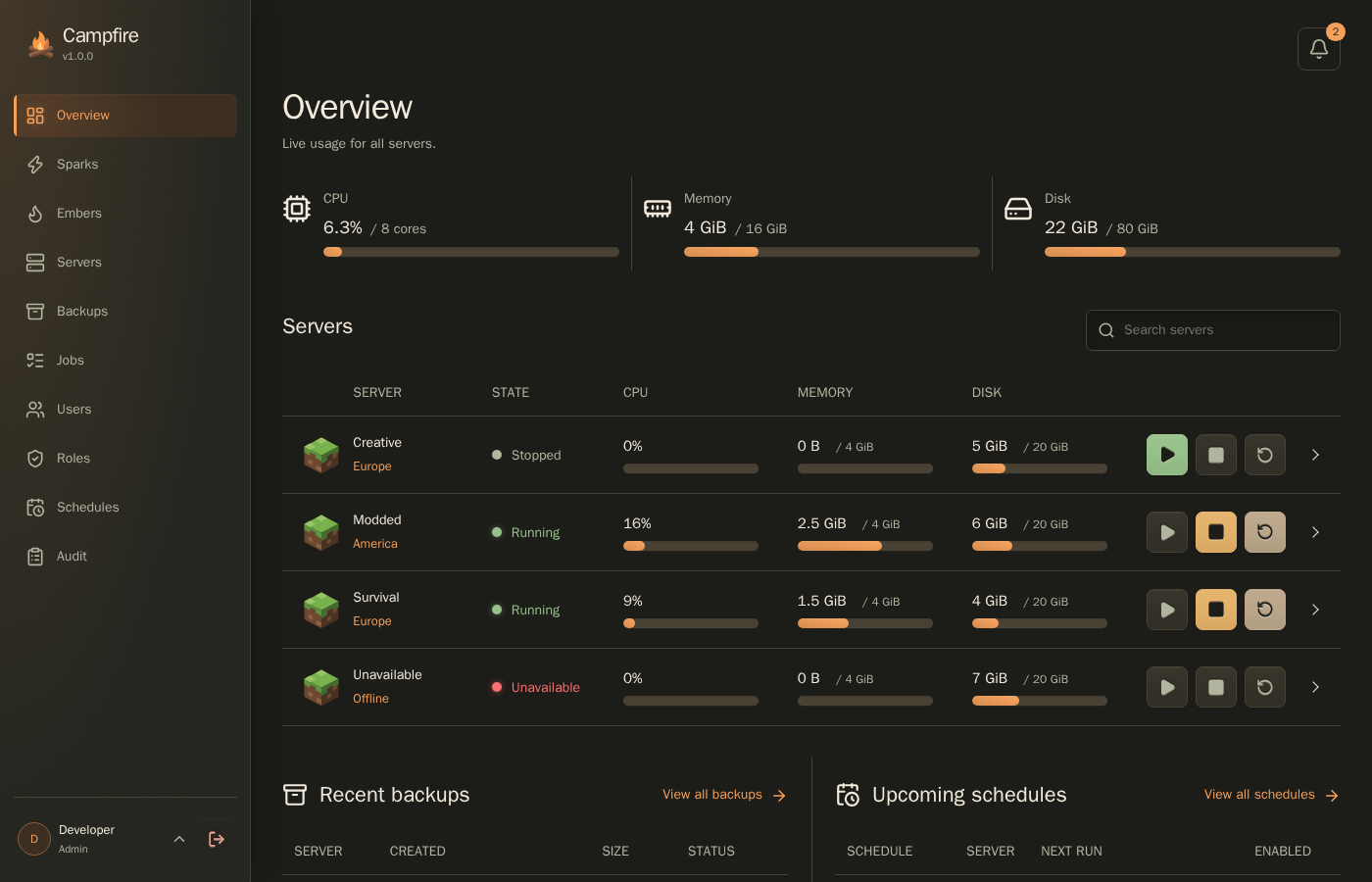
Keep your games running
Follow what’s happening now, take care of routine work, and share access with the people you play with.
Live console and monitoringStream game logs, send commands, follow CPU and memory use, and investigate actionable console alerts.
Files and SFTPEdit configuration, transfer worlds, and manage game files in the browser or over SFTP.
Backups and recoveryCreate full or save-data snapshots, name and pin recovery points, and use portable backups and optional S3 storage.
Schedules and automationPlan one-time actions or recurring schedules with time zones, then review their execution history.
Accounts and accessShare individual servers through roles and memberships, with optional OpenID Connect sign-in.
Multiple game hostsAllocate resources and ports across Linux machines, update Spark agents remotely, and clean up unused resources.
Copies and transfersDuplicate settings or game files, or move an existing server between hosts with recoverable background jobs.
Game integrationsShow player counts, player-name lists, and custom state from mods, with retained events and media.
Discord integrationPublish live server cards and send filtered notifications, screenshots, and clips to your channels.
Activity and delivery historyFollow operations, jobs, game events, and alerts, then inspect and recover their notification deliveries.
From installation to your first game
-
Set up the panel
Install Campfire with Docker Compose or a Linux binary. The panel manages accounts, permissions, configuration, and automation.
-
Connect a game host
Add a Spark, the agent that runs game containers on a Linux host. Start with one machine and add more hosts when you need them.
-
Choose a game and start playing
Import an Ember, the definition for installing and running a game, then create your first server. Supported Pterodactyl and Pelican Eggs can also be imported.
Already running Campfire?
Find a setting in the configuration reference, set up notifications, or follow the upgrade and recovery guide.